M68K
The Motorola 68000 of the Amiga, the Atari ST and the first Macintosh, based on the EASy68K simulator.
Write assembly and C/C++ in your browser, run it or step one instruction at a time and undo any step while debugging what it does.
Read the interactive documentation of each ISA, with instructions, directives and system calls. With descriptions, examples and how to use them. Available here or inside the editor.
The Motorola 68000 of the Amiga, the Atari ST and the first Macintosh, based on the EASy68K simulator.
The RISC design taught in many computer architecture courses, based on the MARS simulator.
The 64-bit instruction set of most PCs, with Linux system calls, SSE and AVX.
Compile C or C++ to MIPS, RISC-V or x86-64 and see the assembly each line becomes.
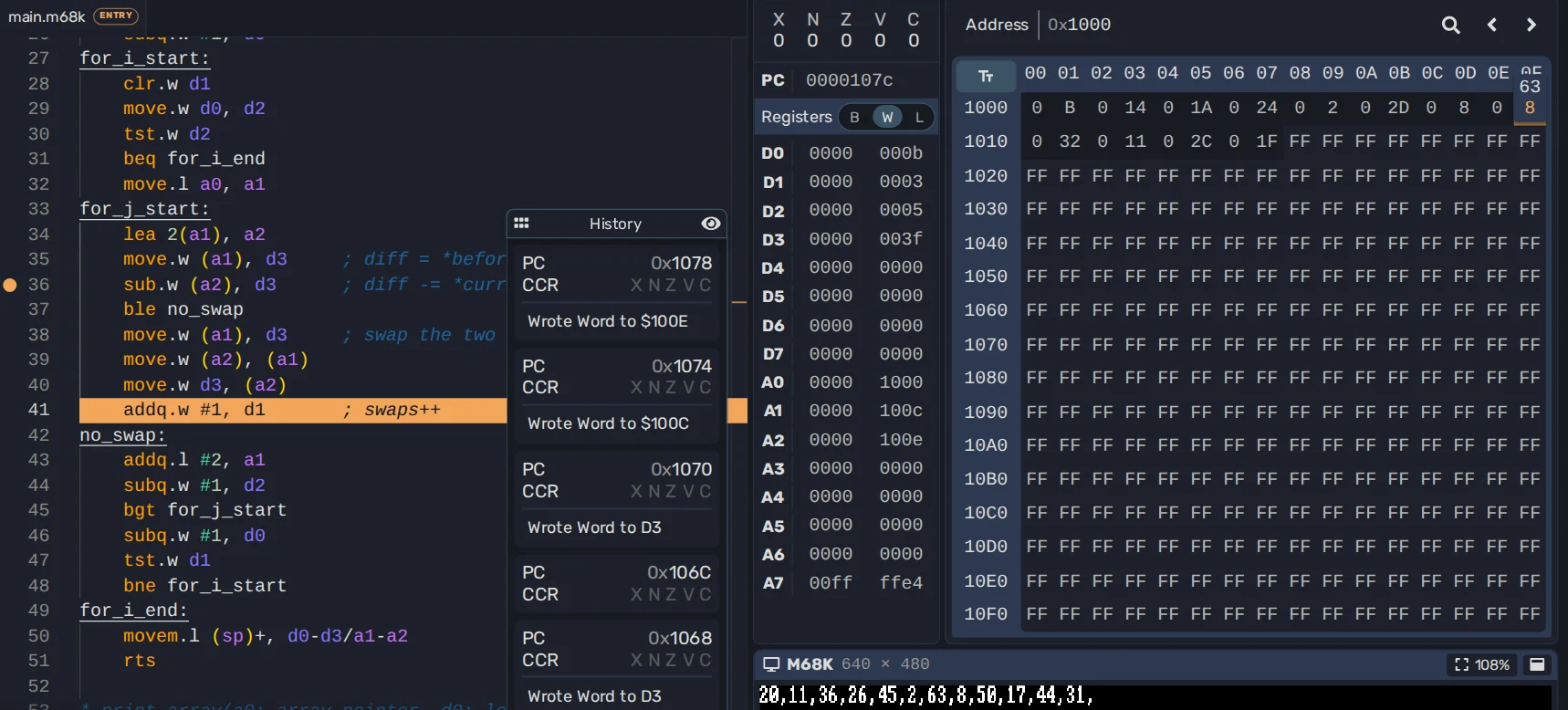
Pause on a breakpoint, step one instruction at a time and undo the ones you already ran. Edit registers and memory while the program is paused, and see what each instruction changed.
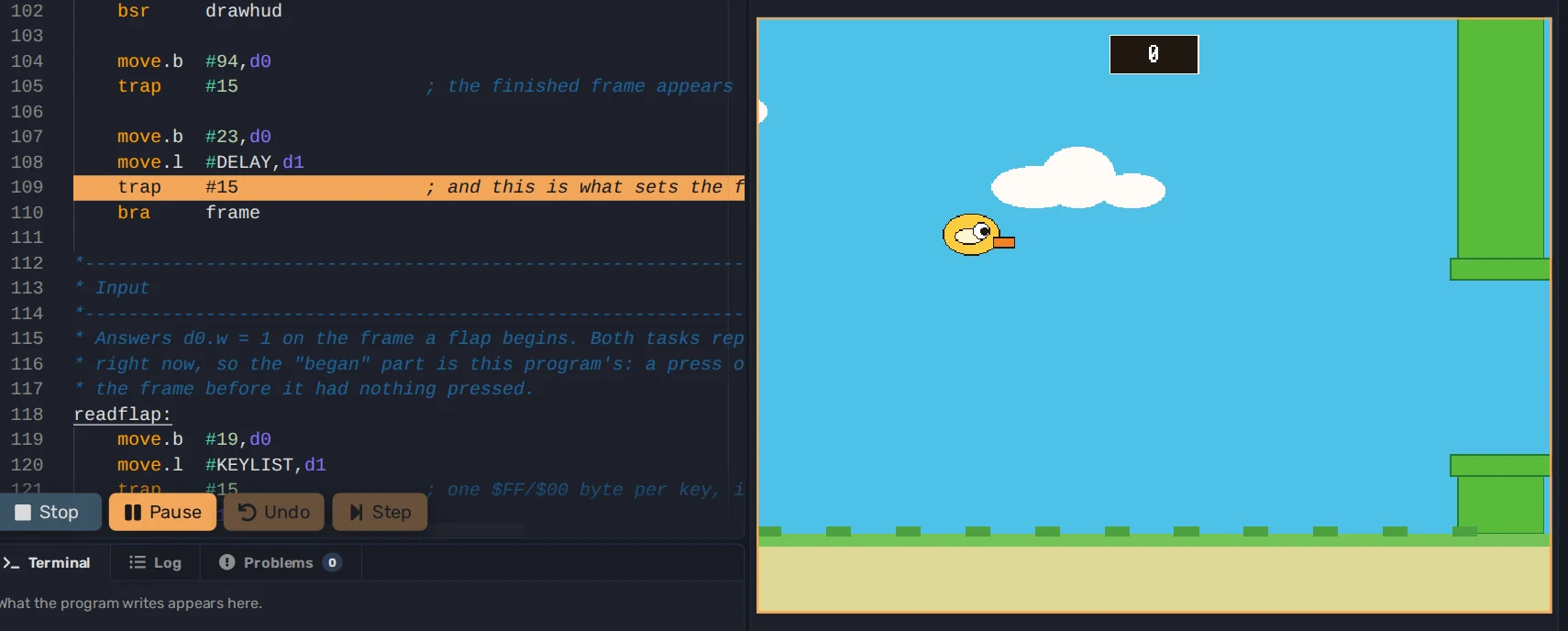
Programs can draw on the Screen, read the keyboard and mouse, play sound, write to the Terminal and access a File System.
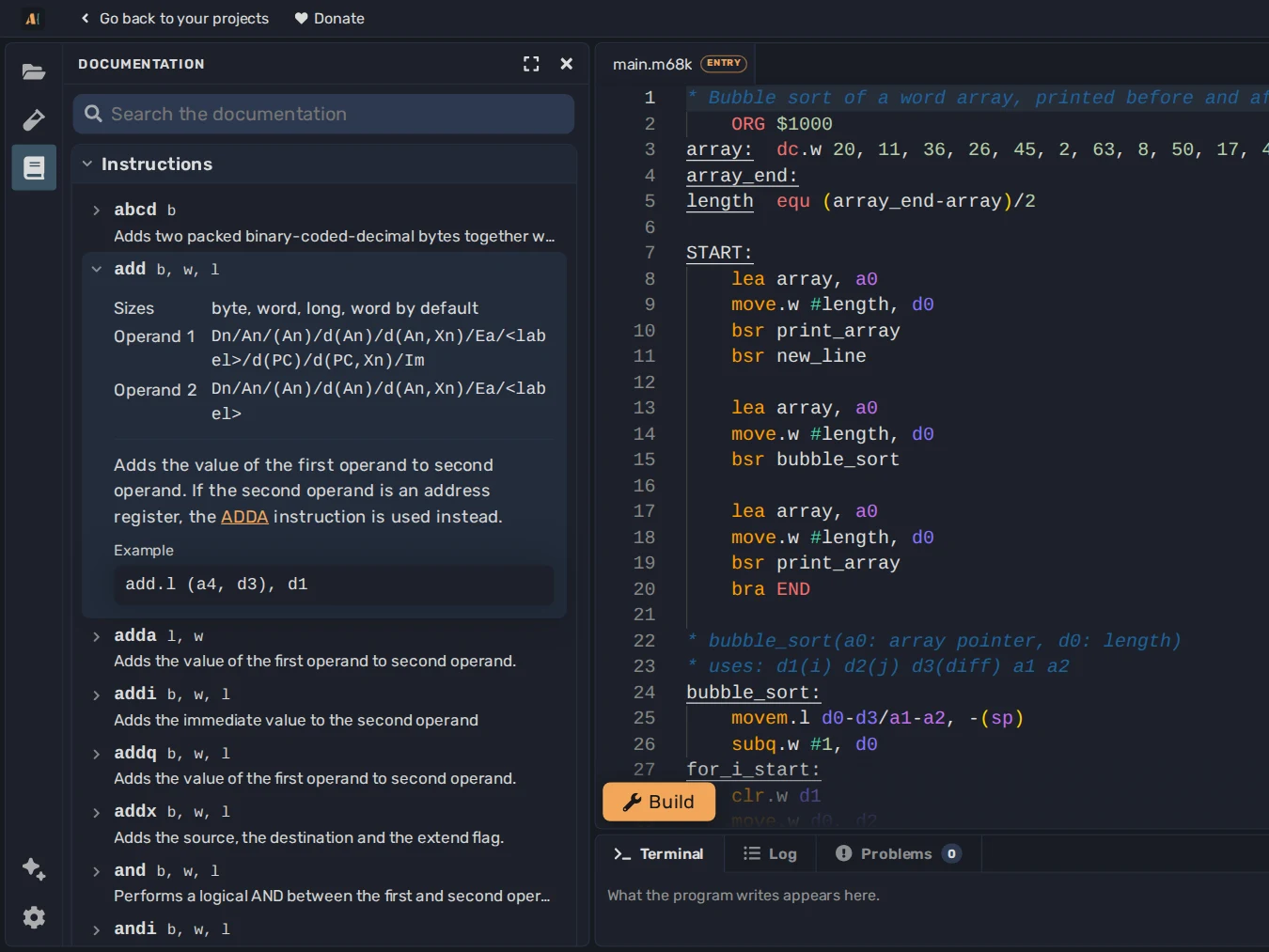
Every instruction, directive and system call is documented with its operands and an example. Hover an instruction in your code to read about it.
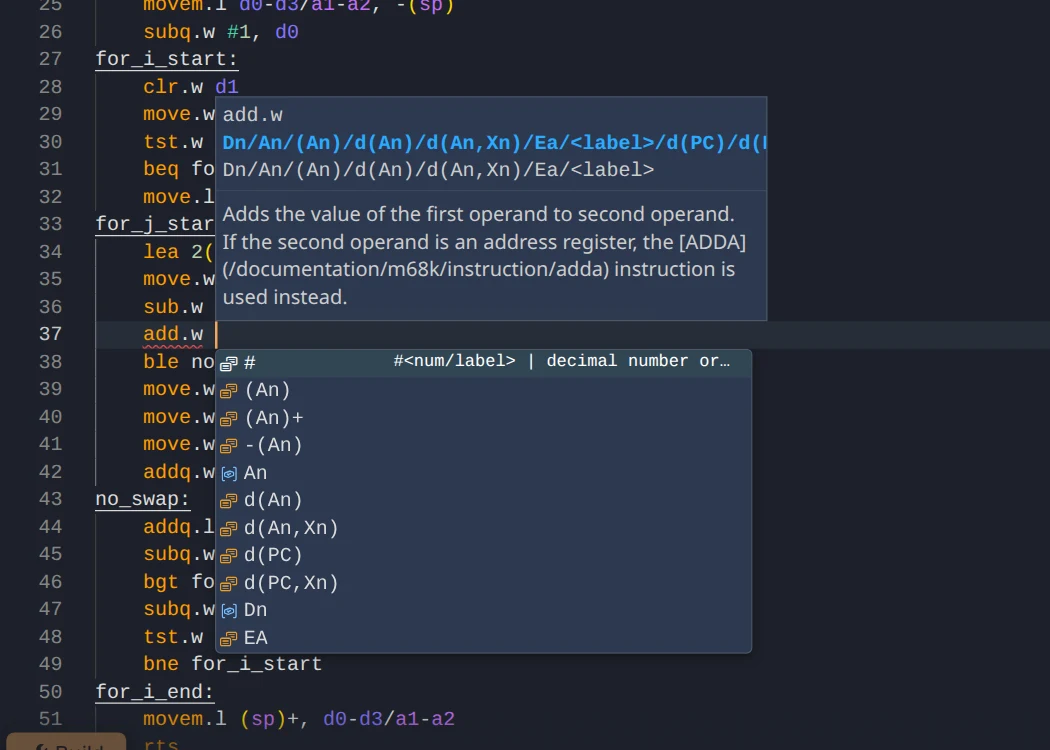
Completion suggests the operands each instruction accepts and the labels in your code. Mistakes are reported as you write.
See how C and C++ code is compiled to machine code, or decompile a program to understand what it does.
Write C or C++ and compile it to MIPS, RISC-V or x86-64 at any optimization level, with GCC, or Clang on MIPS and RISC-V. Each line of C is matched to the instructions it compiles to, so you can see how code gets compiled to machine code.
Using C on RISC-V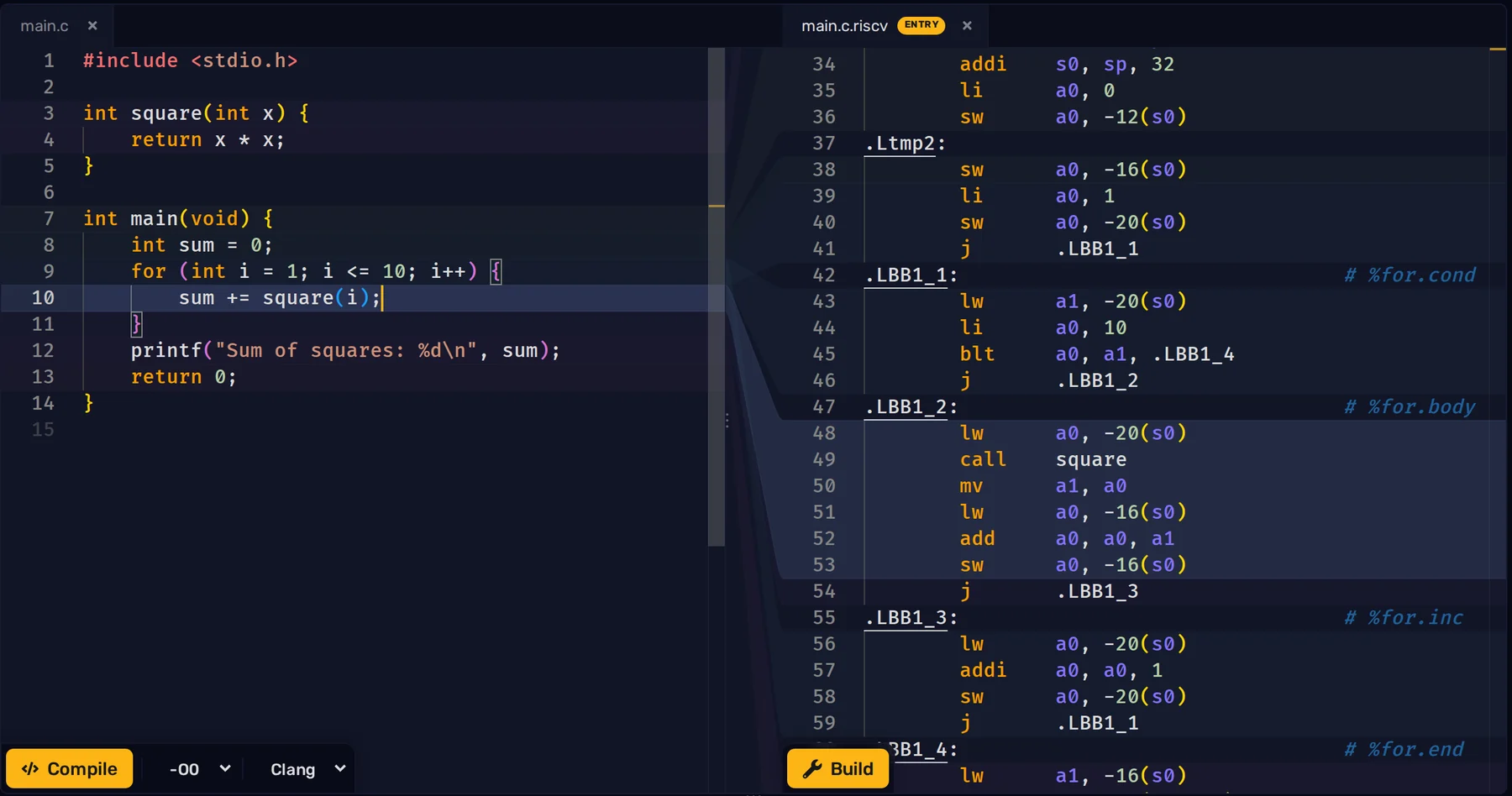
Import an x86-64 Linux ELF executable to disassemble it, browse its symbols and strings, and edit its bytes in the Hex editor. Then debug it with breakpoints, stepping and Undo.
Read about Executables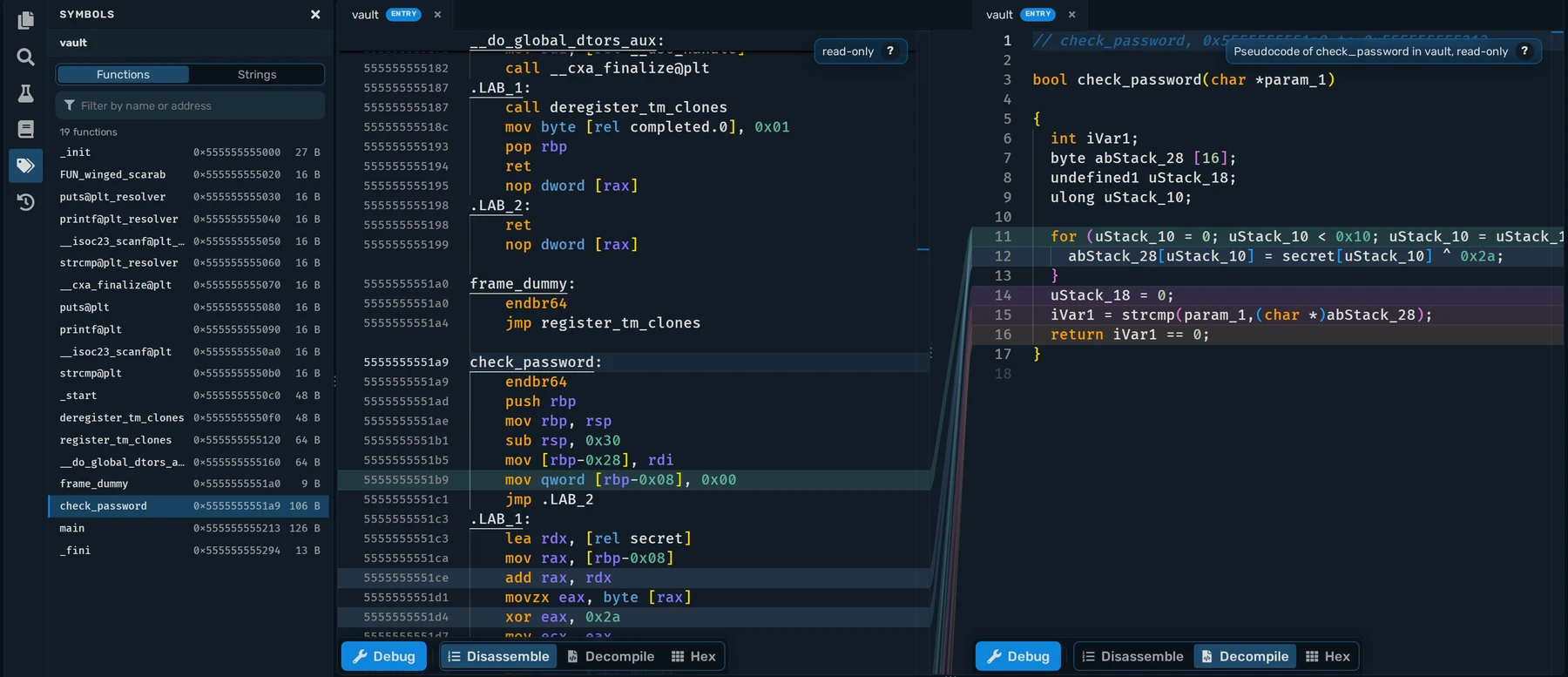
Read each function as C-like pseudocode from the Ghidra decompiler, rename functions and add comments as you figure out what the program does. Made for capture the flag challenges and cybersecurity courses.
Send this message to an AI assistant so they can search the docs of each Instruction Set.
Published research
ASM Editor is described in a peer-reviewed paper presented at the 2026 IEEE Global Engineering Education Conference, together with the first-year course it was built for.
E. Menichelli and L. Forlizzi, “ASM Editor: Understanding Language Abstractions Through Assembly Programming”, 2026 IEEE Global Engineering Education Conference (EDUCON), Cairo, Egypt, 2026.
Read the paperStart from an empty Project, or open an example and change it.